For certificates for ONS Congress 2025 and prior, contact help@ons.org to request a certificate.
For ONS Congress 2026 and beyond, follow these steps to access your conference certificate.
- Visit the ONS Congress site.
- Log in using your ONS username and password.
- Click on Schedule in the top navigation banner.
- Click on any Session Title that contains the orange NCPD box.
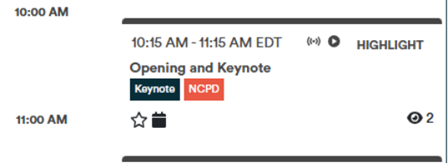
- Click on the Evaluation button within the session
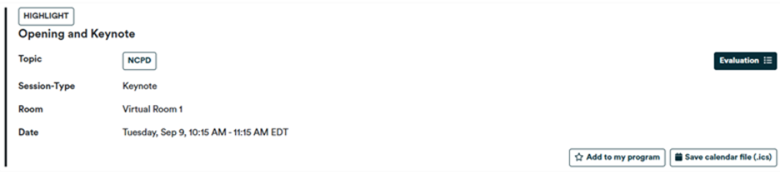
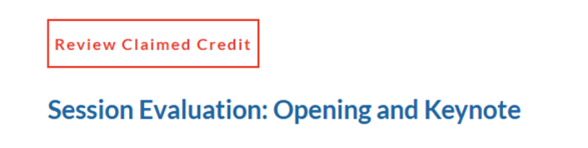
- Click on the Review Claimed Credit button in red located at the top of the page.
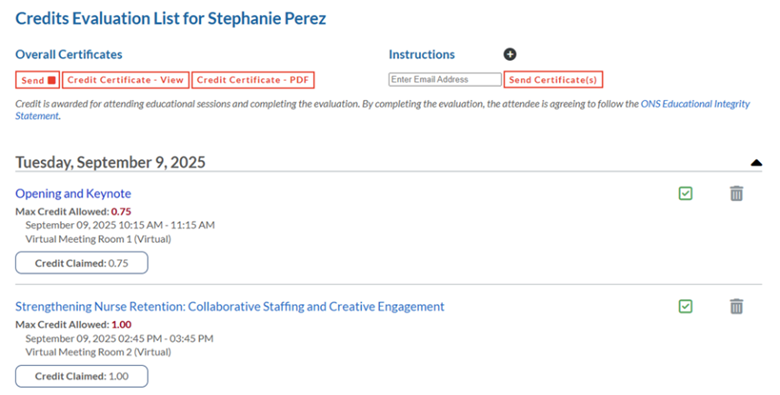
- You will be taken to the screen below. Here you may view, print or email your earned certificate. Please Note: A certificate will not be available if the Overall Conference Evaluation was not completed.
Was this article helpful?
That’s Great!
Thank you for your feedback
Sorry! We couldn't be helpful
Thank you for your feedback
Feedback sent
We appreciate your effort and will try to fix the article